
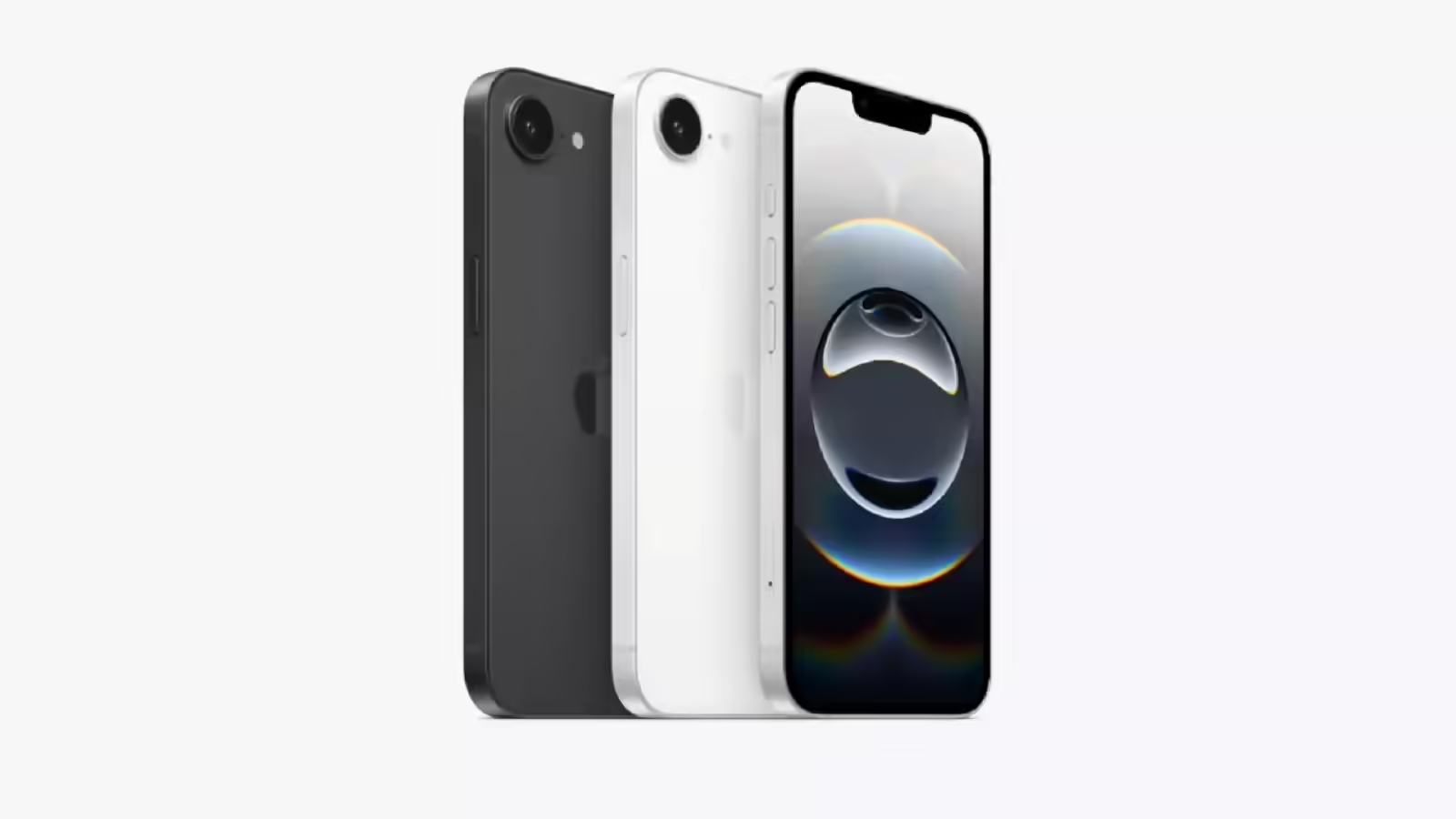
Apple is urging iPhone users to install its latest software update, after a bug disrupted one of its most relied-upon features: seamless syncing across devices.
The issue, tied to iOS 26.4, caused changes made on one Apple device to fail to appear on another — a breakdown that struck at the core of Apple’s ecosystem promise. For users who depend on continuity between iPhone, Mac, and iPad, the glitch quickly became more than a minor inconvenience.
One frustrated user captured the experience succinctly: “Make a change on the Mac, nothing happens on the iPhone.”
Another added: “I am having this same problem and I just wasted an entire day on this.”
Apple acknowledged the problem, with an engineer confirming its scope and encouraging users to escalate reports: “Thank you for reporting the issue, which does seem like a regression in iOS 26.4.
“Given the extensive impact of the issue, I’d suggest that you file a feedback report, if not yet, to attract more attention from the relevant engineering team.”
The fix arrives with iOS 26.4.1. Users can install it by navigating to Settings, selecting General, then Software Update, and completing the installation. It’s a routine process — but one that now carries urgency for anyone experiencing syncing issues.
The timing of the update coincides with a separate, more serious concern: a rise in scams targeting Apple users through fake Apple Pay alerts.
Fraudsters are sending text messages claiming there’s an issue with a payment — often flagged as declined or suspicious — designed to trigger panic and immediate action. With an estimated 818 million people using Apple’s contactless payment service globally, the scale of the target is significant.
Consumer advocacy group ConsumerAffairs highlighted the risks through a recent case: “The call connected her directly to a scammer posing as an official investigator, who ultimately convinced her to withdraw $15,000,” the organisation reported. “Fortunately, a bank teller recognized the scam and told her to hang up.”
Apple has reiterated a clear warning to users: “Apple will never ask you to log in to any website, or to tap Accept in the two-factor authentication dialogue, or to provide your password, device passcode or two-factor authentication code, or to enter it into any website.”
The guidance is straightforward but critical. Verify any suspicious activity directly through your device settings, and contact your bank using official channels — not the numbers or links provided in unsolicited messages.
Two issues, one underlying theme: trust in the ecosystem. When devices fail to sync, productivity suffers. When scams exploit familiar systems, security is at risk.
For iPhone users, the immediate step is simple — update the device. The broader takeaway is harder to ignore: even the most polished ecosystems require vigilance, both in maintenance and in how users respond to unexpected alerts.
Author: George Nathan Dulnuan